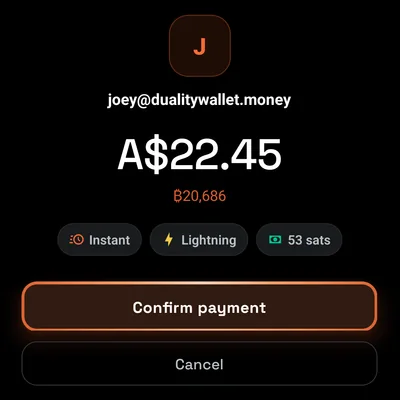
As simple as Apple Pay.
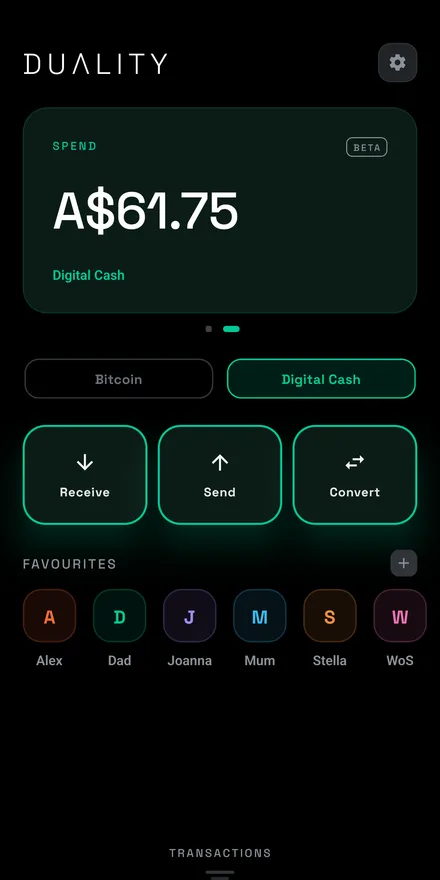
Scan a code, tap to pay, or pick a favourite. You see the amount, the route and the fee before you confirm.
As simple as Apple Pay.
As fast as a text message.
As open as email.
Digital cash you actually hold, secured by bitcoin and settled over Lightning in seconds. No bank, no account, and nobody in the middle of your money.
Free to download. No sign-up, no tracking.
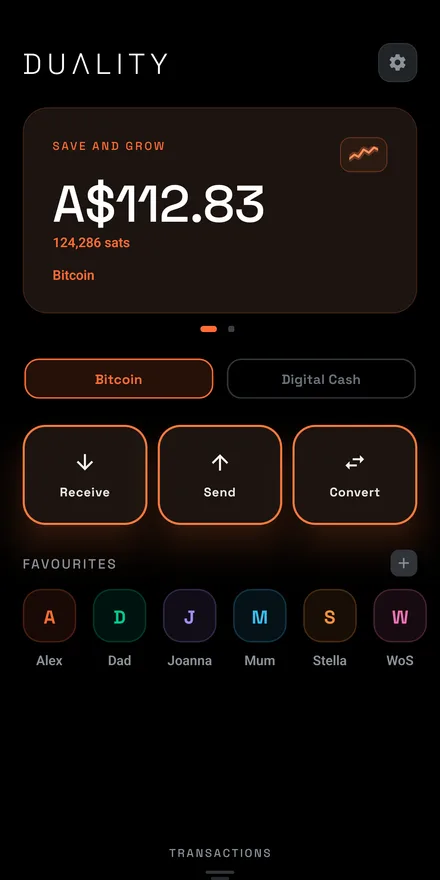
Scan a code, tap to pay, or pick a favourite. You see the amount, the route and the fee before you confirm.
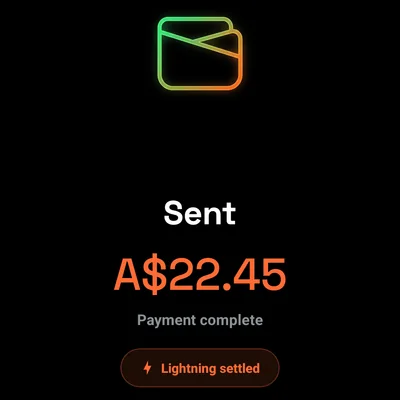
Payments settle over Lightning in seconds. No three-day pending, and no wondering if it landed.
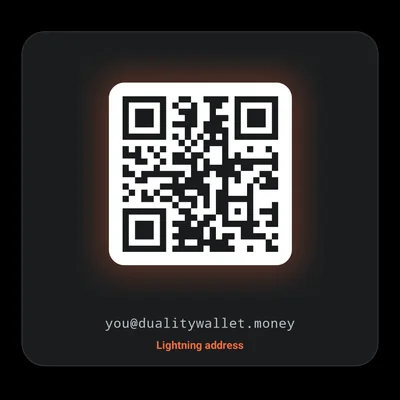
Get your own address, like you@dualitywallet.money. Anyone, on any wallet, can pay you.
Hold Bitcoin and spend Digital Cash, side by side in one app. Move value between them in a tap, whenever you like.
Top up in a few taps. Buy with a card through Coinbase and it lands in your Digital Cash balance, usually within minutes. Duality shows the fees and the limits before you buy, and checks your country first, so you’re never sent to a payment screen that won’t take you. Card deposits are available in 45 countries.
Already holding stablecoins somewhere else? Send USDC or USDT from Tron, Ethereum, Solana, Base, BNB Chain, Polygon and more, and it arrives as Digital Cash. Pick the network, enter the amount, show the code.
Your phrase is your backup.
Other wallets
“Write these 12 words on paper before you can do anything.”
Duality
“Use your fingerprint every day. Keep your 12 words for the day you need them.”
Create and unlock your wallet with your fingerprint or face, the same passkey you already use everywhere else. There is no password to remember, and your passkey syncs through your Google or Apple account.
Your 12-word recovery phrase is the backup that always works. It restores your wallet on any device, whatever happens to your phone or your account. Save it from Settings → Backups and keep it somewhere safe.
Found a vulnerability? Email security@dualitywallet.com. Our disclosure policy is in security.txt.
No. Duality is self-custodial. Your keys are generated and stored on your device, and only you can authorise a payment. Duality cannot spend, freeze, or recover your funds on your behalf.
Bitcoin is your pocket to hold, in real bitcoin. Digital Cash is a steady, US-dollar-denominated pocket to spend. Both are self-custodial, and you can move value between them in the app.
Spark is a bitcoin layer 2 that enables fast, low-cost payments while keeping value denominated in bitcoin. Duality connects to Spark through the Breez SDK, so payments settle in seconds rather than waiting for base-chain confirmations.
Not to get started: day to day, you sign in with a passkey, your fingerprint or face. But do save your 12-word recovery phrase from Settings → Backups. It is the backup that always works, even if your passkey never synced or you lose access to your Google or Apple account.
Restore your wallet on the new phone with your passkey or your recovery phrase. Your passkey works once it has synced to your Google or Apple account. Your recovery phrase works on any device, whatever happened to the old phone or your account. Because Duality never holds your keys, no one else can recover your funds for you, so keep the phrase somewhere safe.
No. It is an optional way to hold US-dollar-denominated value using token and conversion features provided through Spark. It stays self-custodial. It is not a bank account, a deposit, or an insured product, and its value or availability can change.
Claim a username inside the app to receive at you@dualitywallet.money. Anyone using any Lightning wallet can then pay you at that address.
No. There are no analytics or advertising SDKs in the app, and no trackers, cookies, or third-party scripts on this website. The privacy policy describes the limited operational data used by optional features.
Duality is available free on the App Store and Google Play, for iPhone and Android.
Free on iPhone and Android.